ライブプレビュー · 無料プロンプト / 3d scene
リキッドレンズシーン
画像中心のWebGL屈折、色収差、触感のある商品サーフェス。
WebGL屈折画像中心ポインターホバー
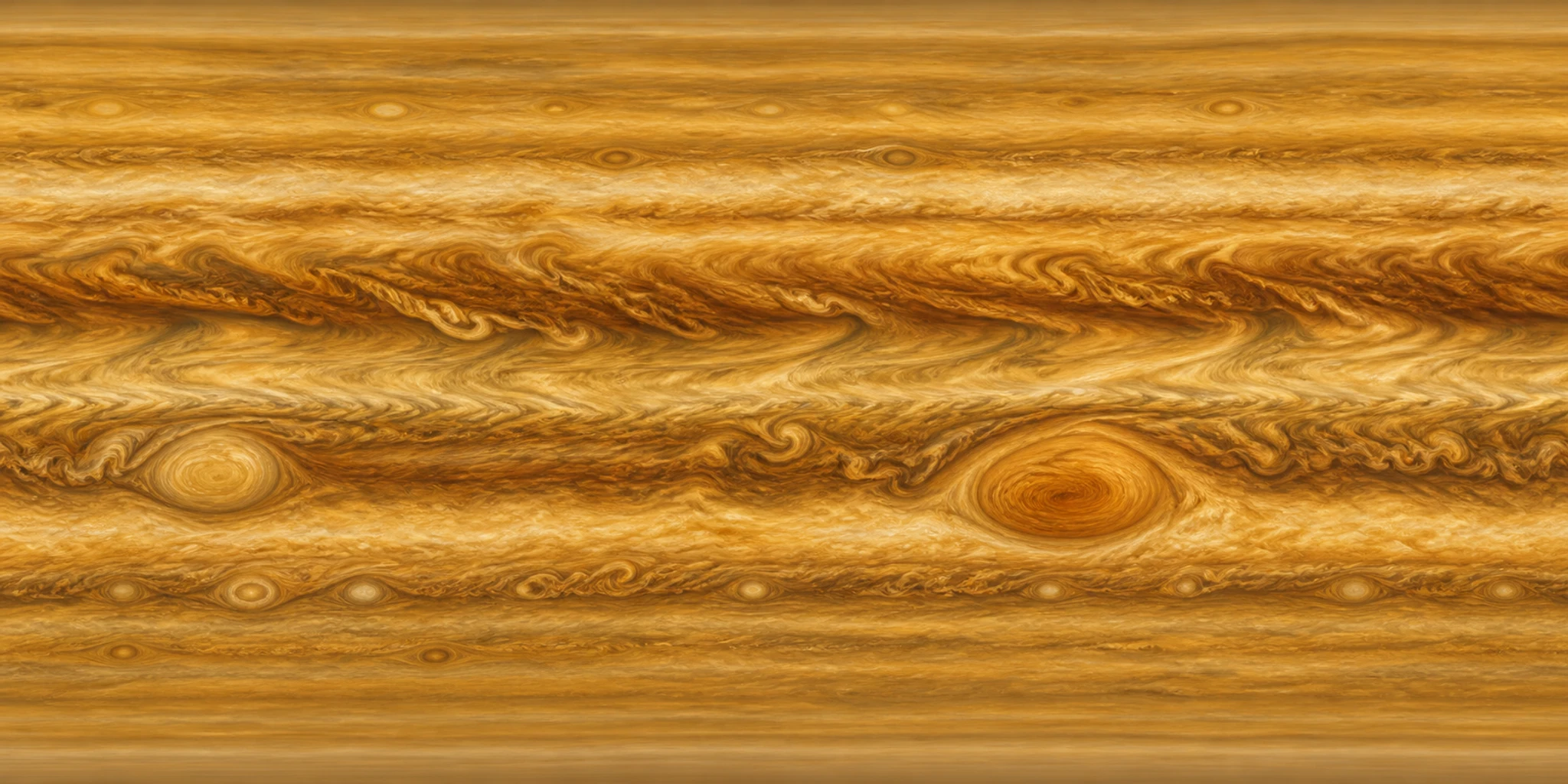
Rukterの実レンダラーポインターやスクロールで操作できます
これはRukterのローカルメディアを使ったオリジナルの動作サンプルです。WebGL対応プリセットでは実際のRukterレンダラーを表示します。生成されるサイトは、入力した内容によって変わります。
使いどころ
このパターンを使う場面
スキンケア、飲料、ガラス、ジュエリー、ファッション、強いヒーロー画像を持つブランドに。
サンプルの方向性
GLASS / FIELD · Touch the surface
ランタイム
実際のWebGL 3D
導入方法
- 1下のプロンプトをコピーしてCodexやClaudeに貼り付け、ブランドとメディアを指定します。
- 2Rukterで使う場合は「Rukterで使用」を開き、プリセットIDがジェネレーターに渡されたことを確認します。
- 3生成した下書きをテーマデザイナーで確認・編集し、準備ができたら公開します。
AIで使う
このプレビューをCodexやClaude用のプロンプトに
プロンプトにはレイアウト、動作、ランタイム、アクセシビリティ、編集可能な構成を含めています。ブランドとメディアはご自身のものに置き換えてください。
Build an original responsive website experience for [your brand or product], using the Rukter "Liquid lens scene" pattern as direction.

Visual example: GLASS / FIELD — "Touch the surface"; compose an immersive visual stage with legible copy layered above the atmosphere. Replace the example content with my own brand copy and supplied media.

Behavior: Image-forward WebGL refraction, chromatic split and tactile product surface. Best for: Skincare, beverage, glass, jewelry, fashion and visual brands with strong hero images.

Implementation: Use a real WebGL renderer for the 3D layer (three-liquid-lens), with a useful static fallback when WebGL or motion is unavailable. Keep the result editable as sections, text, media, colors, and timing. Suggested Rukter sections: hero3d, tilt. Motion settings: parallaxDepth: deep; hoverEffect: tilt.

Make the preview usable on touch and keyboard, give controls visible focus, reserve media space to avoid layout shift, and respect prefers-reduced-motion.

When using Rukter Generate my site, preserve this exact selection: Library item ids: three-scene-liquid-lens.
RukterプリセットID
three-scene-liquid-lens編集可能な構成
このプリセットが指定するもの
- セクション
- hero3d · tilt
- ヒーローレンダラー
- three-liquid-lens
- シネマティック効果
- —
- 動き
- parallaxDepth: deep · hoverEffect: tilt