ライブプレビュー · 無料プロンプト / 2d
無限グリッドメニュー
密度のある動くメディアインデックス、繰り返す画像リズム、編集可能なタイルでの素早いカテゴリ切替。
無限グリッド感メディアインデックスカテゴリリズム編集可能なタイル
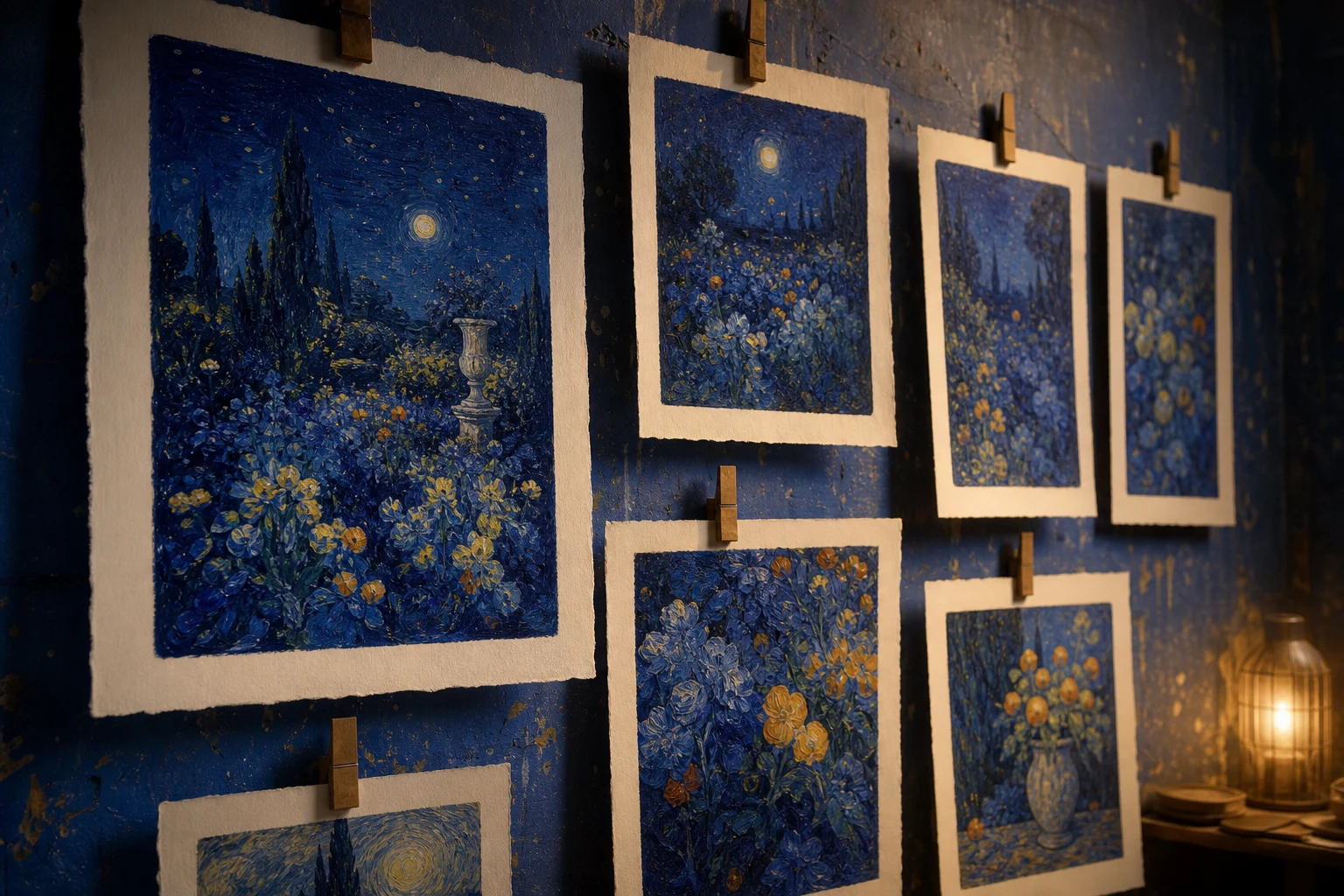
ATELIER / INDEXDiscover
AN ORIGINAL RUKTER SAMPLE 01
Every path is a story
Dense moving media index, repeated image rhythm and fast category switching as editable tiles.

操作できるサンプルサンプルの画像を切り替えられます
これはRukterのローカルメディアを使ったオリジナルの動作サンプルです。WebGL対応プリセットでは実際のRukterレンダラーを表示します。生成されるサイトは、入力した内容によって変わります。
使いどころ
このパターンを使う場面
商品群、プロジェクトアーカイブ、コンテンツライブラリを豊かに案内したいときに。
サンプルの方向性
ATELIER / INDEX · Every path is a story
ランタイム
DOM / CSS / 2D
導入方法
- 1下のプロンプトをコピーしてCodexやClaudeに貼り付け、ブランドとメディアを指定します。
- 2Rukterで使う場合は「Rukterで使用」を開き、プリセットIDがジェネレーターに渡されたことを確認します。
- 3生成した下書きをテーマデザイナーで確認・編集し、準備ができたら公開します。
AIで使う
このプレビューをCodexやClaude用のプロンプトに
プロンプトにはレイアウト、動作、ランタイム、アクセシビリティ、編集可能な構成を含めています。ブランドとメディアはご自身のものに置き換えてください。
Build an original responsive website experience for [your brand or product], using the Rukter "Infinite grid menu" pattern as direction.

Visual example: ATELIER / INDEX — "Every path is a story"; compose a media-first gallery with readable captions and deliberate visual rhythm. Replace the example content with my own brand copy and supplied media.

Behavior: Dense moving media index, repeated image rhythm and fast category switching as editable tiles. Best for: A product range, project archive or content library should feel abundant and navigable.

Implementation: Use lightweight CSS, DOM, or Canvas 2D for the visual behavior; do not add WebGL unless the design needs it. Keep the result editable as sections, text, media, colors, and timing. Suggested Rukter sections: velocity, tiles, headline. Motion settings: parallaxDepth: medium; hoverEffect: glow; entranceRhythm: tight; loopMotion: float.

Make the preview usable on touch and keyboard, give controls visible focus, reserve media space to avoid layout shift, and respect prefers-reduced-motion.

When using Rukter Generate my site, preserve this exact selection: Library item ids: two-d-infinite-grid-menu.
RukterプリセットID
two-d-infinite-grid-menu編集可能な構成
このプリセットが指定するもの
- セクション
- velocity · tiles · headline
- ヒーローレンダラー
- DOM / CSS sample
- シネマティック効果
- —
- 動き
- parallaxDepth: medium · hoverEffect: glow · entranceRhythm: tight · loopMotion: float