Live preview · Free prompt / scroll
Mask and iris reveal
Mask wipe or iris curtain reveals that convert a static section into a cinematic beat.
Mask revealIris curtainPinned transitionImage-forward
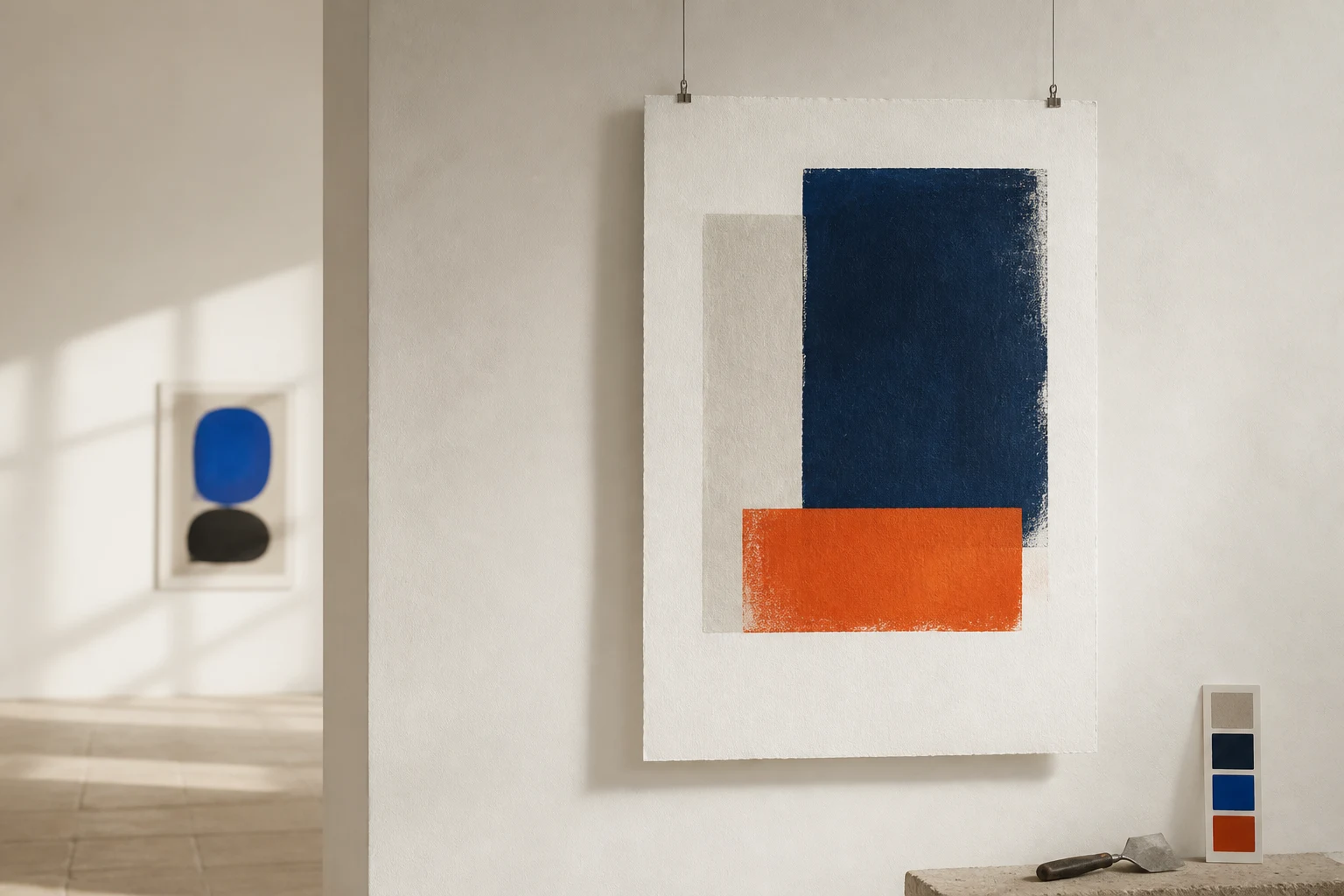
ATELIER / REVEALDiscover
AN ORIGINAL RUKTER SAMPLE 01
The reveal is the story
Mask wipe or iris curtain reveals that convert a static section into a cinematic beat.
Interactive sampleMove the slider to scrub the scene
This original working sample uses local Rukter media. Presets with a hero renderer mount the actual Rukter renderer. Generated sites vary with your content.
Where it works
Use this pattern when
Beauty, fashion, food, film and brands that need a strong reveal moment.
Sample art direction
ATELIER / REVEAL · The reveal is the story
Runtime
DOM / CSS / 2D
How to use it
- 1Copy the prompt below into Codex or Claude, then add your brand and media.
- 2For Rukter, open Use in Rukter and check that the preset ID reaches the generator.
- 3Review and edit the generated draft in Theme Designer, then publish when ready.
Use with AI
Turn this example into a prompt for Codex or Claude
The prompt includes layout, behavior, runtime, accessibility and editable structure. Replace the sample brand and media with your own.
Build an original responsive website experience for [your brand or product], using the Rukter "Mask and iris reveal" pattern as direction.

Visual example: ATELIER / REVEAL — "The reveal is the story"; compose an editorial hero with strong type, one focal image, and a clear call to action. Replace the example content with my own brand copy and supplied media.

Behavior: Mask wipe or iris curtain reveals that convert a static section into a cinematic beat. Best for: Beauty, fashion, food, film and brands that need a strong reveal moment.

Implementation: Use lightweight CSS, DOM, or Canvas 2D for the visual behavior; do not add WebGL unless the design needs it. Keep the result editable as sections, text, media, colors, and timing. Suggested Rukter sections: cinematic, tiles. Motion settings: parallaxDepth: medium; hoverEffect: glow.

Make the preview usable on touch and keyboard, give controls visible focus, reserve media space to avoid layout shift, and respect prefers-reduced-motion.

When using Rukter Generate my site, preserve this exact selection: Library item ids: scroll-mask-iris-reveal.
Rukter preset ID
scroll-mask-iris-revealEditable implementation
What this preset defines
- Sections
- cinematic · tiles
- Hero renderer
- DOM / CSS sample
- Cinematic effect
- iris-curtain
- Motion
- parallaxDepth: medium · hoverEffect: glow