Live preview · Free prompt / interaction
Distortion hover
Liquid-lens and tilt-hover behavior for media cards using existing WebGL and CSS-safe presets.
Liquid lensTilt hoverRGB split feelEditable media
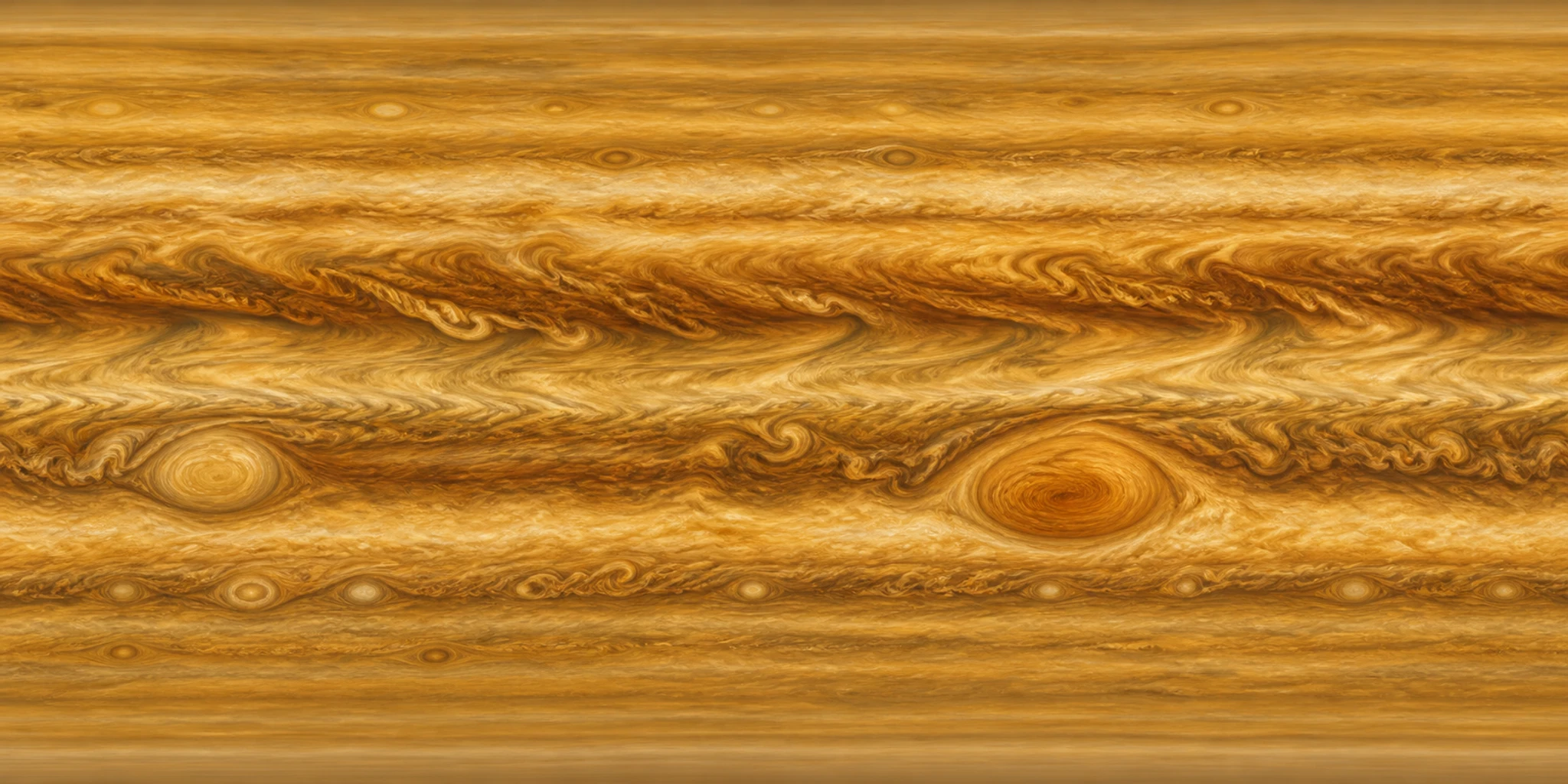
Live Rukter rendererMove your pointer or scroll to explore
This original working sample uses local Rukter media. Presets with a hero renderer mount the actual Rukter renderer. Generated sites vary with your content.
Where it works
Use this pattern when
Hero images, product cards or portfolio media should react like a premium interactive surface.
Sample art direction
GLASS / TOUCH · Move with the image
Runtime
Real WebGL 3D
How to use it
- 1Copy the prompt below into Codex or Claude, then add your brand and media.
- 2For Rukter, open Use in Rukter and check that the preset ID reaches the generator.
- 3Review and edit the generated draft in Theme Designer, then publish when ready.
Use with AI
Turn this example into a prompt for Codex or Claude
The prompt includes layout, behavior, runtime, accessibility and editable structure. Replace the sample brand and media with your own.
Build an original responsive website experience for [your brand or product], using the Rukter "Distortion hover" pattern as direction.

Visual example: GLASS / TOUCH — "Move with the image"; compose an immersive visual stage with legible copy layered above the atmosphere. Replace the example content with my own brand copy and supplied media.

Behavior: Liquid-lens and tilt-hover behavior for media cards using existing WebGL and CSS-safe presets. Best for: Hero images, product cards or portfolio media should react like a premium interactive surface.

Implementation: Use a real WebGL renderer for the 3D layer (three-liquid-lens), with a useful static fallback when WebGL or motion is unavailable. Keep the result editable as sections, text, media, colors, and timing. Suggested Rukter sections: hero3d, tilt, tiles. Motion settings: parallaxDepth: medium; hoverEffect: tilt; entranceRhythm: staggered.

Make the preview usable on touch and keyboard, give controls visible focus, reserve media space to avoid layout shift, and respect prefers-reduced-motion.

When using Rukter Generate my site, preserve this exact selection: Library item ids: interaction-distortion-hover.
Rukter preset ID
interaction-distortion-hoverEditable implementation
What this preset defines
- Sections
- hero3d · tilt · tiles
- Hero renderer
- three-liquid-lens
- Cinematic effect
- —
- Motion
- parallaxDepth: medium · hoverEffect: tilt · entranceRhythm: staggered